
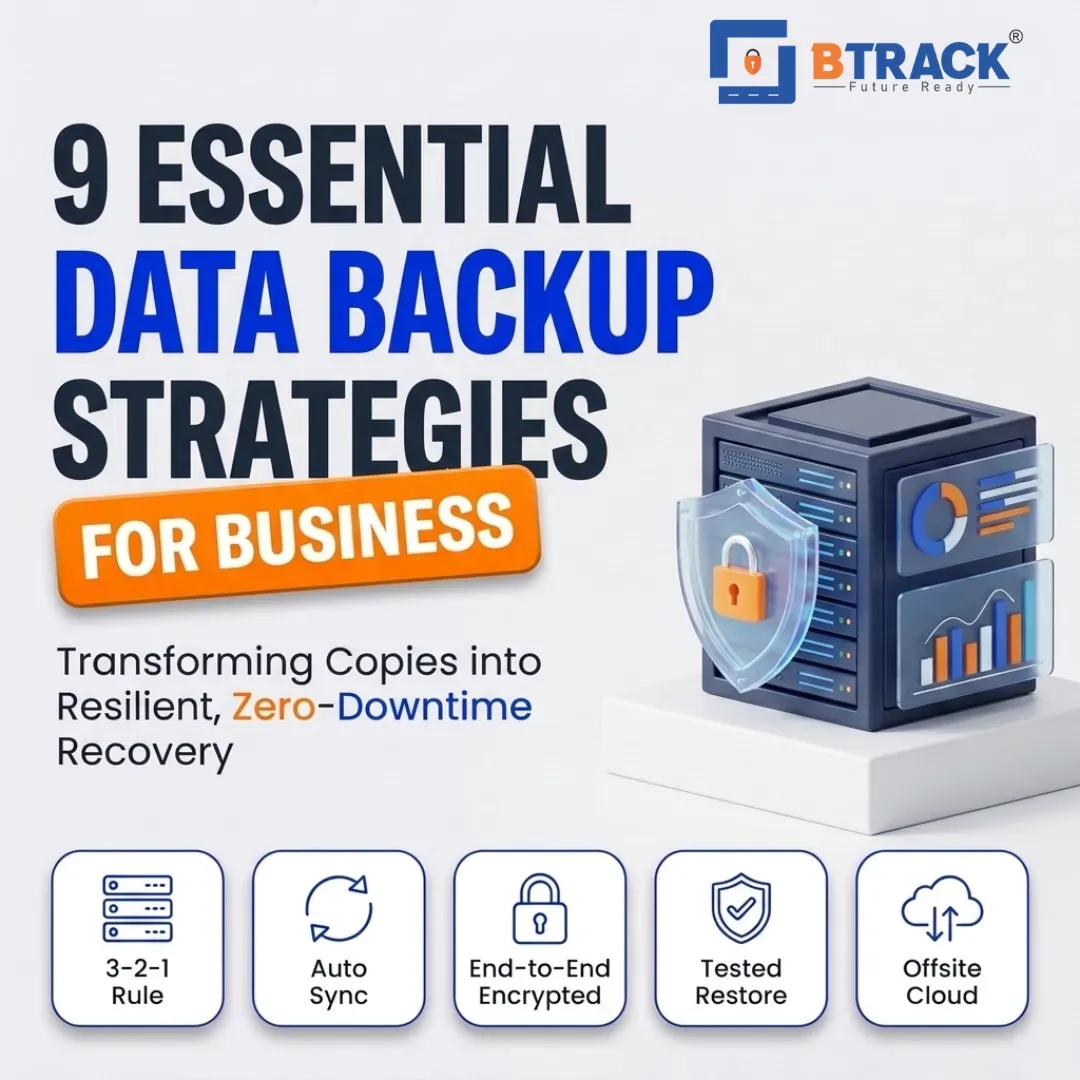
9 Essential Backup Rules for Better Data Protection
Most businesses don't lose data because they never took a backup. They lose it because the backup they had wasn't built around any real rules — it was a folder someone copied once, a job that quietly stopped running, or a drive sitting three feet from the server it was supposed to protect. A backup without rules is just a copy, and a copy can fail exactly when the original does.
Treating backup as a disciplined process, rather than a one-time task, is what separates businesses that recover in hours from those that don't recover at all. Below are nine rules that hold up regardless of company size, industry, or the tools involved — each covering a distinct part of what makes a backup strategy actually work when it's tested by a real failure.
Rule 1: Define Backup Frequency Based on How Much Data You Can Afford to Lose
Before choosing software or storage, decide how much data loss is tolerable if a failure happens right now. This is usually expressed as a Recovery Point Objective (RPO) — the maximum acceptable gap between your last backup and the moment of failure.
A design agency that edits files a few times a day might be fine with nightly backups. A transactional system processing orders every minute needs backups running far more frequently, sometimes continuously. Frequency isn't a technical preference; it's a business decision tied to what an hour, or a day, of lost work actually costs.
Getting this wrong in either direction causes problems: too infrequent, and you lose meaningful work; too frequent without the right infrastructure, and backup jobs start competing with production workloads for resources. Server infrastructure that can handle backup jobs without degrading application performance, such as dedicated server environments built for consistent I/O, makes frequent backup schedules practical rather than disruptive.
Rule 2: Keep Multiple Independent Copies, Not Just One
A single backup copy is still a single point of failure. If that one copy is corrupted, encrypted by ransomware, or simply fails to restore correctly, there's nothing behind it. The widely referenced 3-2-1 approach — three copies of data, on two different types of storage media, with one copy kept offsite — exists precisely because any single copy can fail silently.
The "independent" part matters as much as the count. Three copies stored on the same server, using the same credentials, protected by the same firewall rule, aren't really independent — they can all be compromised by one incident. Genuine redundancy means separating copies by location, access path, and sometimes by storage technology entirely.
Rule 3: Store at Least One Backup Copy Offsite or in the Cloud
If every backup copy lives in the same building as the original data, a fire, flood, theft, or hardware failure at that site can wipe out production data and its backups together. This is one of the most common — and most avoidable — mistakes in business backup planning.
An offsite copy, whether in a separate physical facility or in cloud backup and storage infrastructure, removes the shared-location risk entirely. For businesses without the resources to maintain a second physical site, cloud storage offers a practical way to satisfy the offsite requirement without operating additional hardware. The goal isn't complexity — it's making sure no single physical event can take out both your live data and your recovery path at once.
Rule 4: Encrypt Backups Both in Transit and at Rest
A backup is a full copy of your business's sensitive data, which makes it just as attractive a target as the production system — sometimes more so, since backups are occasionally guarded less carefully. Encryption in transit protects data as it moves to backup storage; encryption at rest protects it once it's sitting there.
This matters even for offsite and cloud backups. Data traveling to a remote location or third-party facility passes through networks you don't fully control, so encrypting it before and during transfer closes that gap. Solutions like Acronis-based backup build encryption into the backup process itself, rather than treating it as something added on afterward.
Rule 5: Set a Retention Policy That Matches Compliance and Recovery Needs
Keeping backups indefinitely isn't a safety net — it's a storage cost problem and, in regulated industries, sometimes a compliance liability. Keeping them for too short a period is worse: it can leave a business unable to recover data lost weeks or months earlier, which matters when data corruption or unauthorized changes aren't noticed immediately.
Retention policies should reflect two separate things: how far back you might realistically need to restore from, and any legal or industry requirements around record-keeping. A finance or healthcare business often has retention obligations that go well beyond what's operationally convenient, while a smaller service business may only need a rolling 30- to 90-day window. Either way, retention should be a deliberate decision, documented and reviewed, not a default setting nobody revisited after setup.
Rule 6: Automate Backups Instead of Relying on Manual Processes
Manual backups depend on someone remembering to run them, every time, without exception. That's a fragile system even with the best intentions — vacations, busy weeks, and staff turnover are enough to create gaps that go unnoticed until they matter.
Automated backup schedules remove that dependency. Once configured correctly, they run on a fixed cadence regardless of who's in the office, and they can trigger alerts if a job fails rather than failing silently. Automation also standardizes the process, so backups aren't done slightly differently depending on who initiated them. For businesses managing multiple servers or locations, managed IT services can oversee this automation centrally, so backup schedules stay consistent across the environment instead of being configured ad hoc on each machine.
Rule 7: Test Restores Regularly, Not Just the Backup Job Itself
A backup job completing successfully tells you data was copied — it doesn't tell you the data can actually be restored. Corrupted files, incomplete backups, incompatible formats, and misconfigured jobs can all produce a "successful" backup that fails the moment someone tries to use it.
Restore testing should be scheduled, not incidental. That means periodically restoring a sample of files, or in more critical cases, a full system, to confirm the process works end to end and within an acceptable timeframe. This is also where Recovery Time Objective (RTO) gets validated — knowing your backup exists is different from knowing how long it takes to bring a system back online. Skipping this step is how businesses discover, during an actual emergency, that their backup strategy had a gap all along.
Rule 8: Control Who Can Access, Modify, or Delete Backup Data
Backups need to be protected from unauthorized access just as rigorously as production data — arguably more, since a compromised backup can undermine your entire recovery plan. If any user or compromised account can delete or alter backup files, ransomware and insider threats can take out your safety net along with the original data.
Role-based access, separate credentials for backup systems, and multi-factor authentication all reduce this risk. Password-less or zero trust authentication approaches go further by removing reusable credentials as an attack surface altogether, which is particularly relevant for backup systems that don't need to be accessed frequently and therefore make unusual access attempts easier to flag. Limiting who can modify backup retention settings or delete archived copies should be treated as a core security control, not an afterthought.
Rule 9: Build a Documented Recovery Plan Around the Backup
A backup strategy without a recovery plan puts all the pressure of figuring out "what do we do now" onto the moment of a crisis — the worst possible time to be improvising. A recovery plan documents who is responsible for initiating a restore, in what order systems come back online, and how long each step is expected to take.
This plan should also assign clear ownership. If the person who understands the backup system is unavailable during an incident, does anyone else know how to execute a restore? Pairing a tested recovery plan with monitored infrastructure — for example, environments covered by NOC and SOC monitoring — means failures are often detected and flagged before they escalate into a full data-loss event, giving the recovery plan a head start rather than a cold start.
Bringing the Nine Rules Together
Individually, each of these rules addresses one point of failure. Together, they form a backup strategy that can withstand hardware failure, human error, ransomware, and simple bad luck — the actual causes behind most real-world data loss events. The businesses that recover quickly aren't the ones with the most expensive backup software; they're the ones that treated backup as a structured, tested, ongoing discipline rather than a checkbox.
Building this kind of strategy takes reliable underlying infrastructure — storage that's actually encrypted, servers that can run backup jobs without straining production performance, and support that helps you test and refine the plan rather than just set it up once. Btrack India works with businesses on exactly this combination, offering backup and storage infrastructure alongside servers and security tools designed to support a backup strategy that holds up under real conditions, not just in theory.