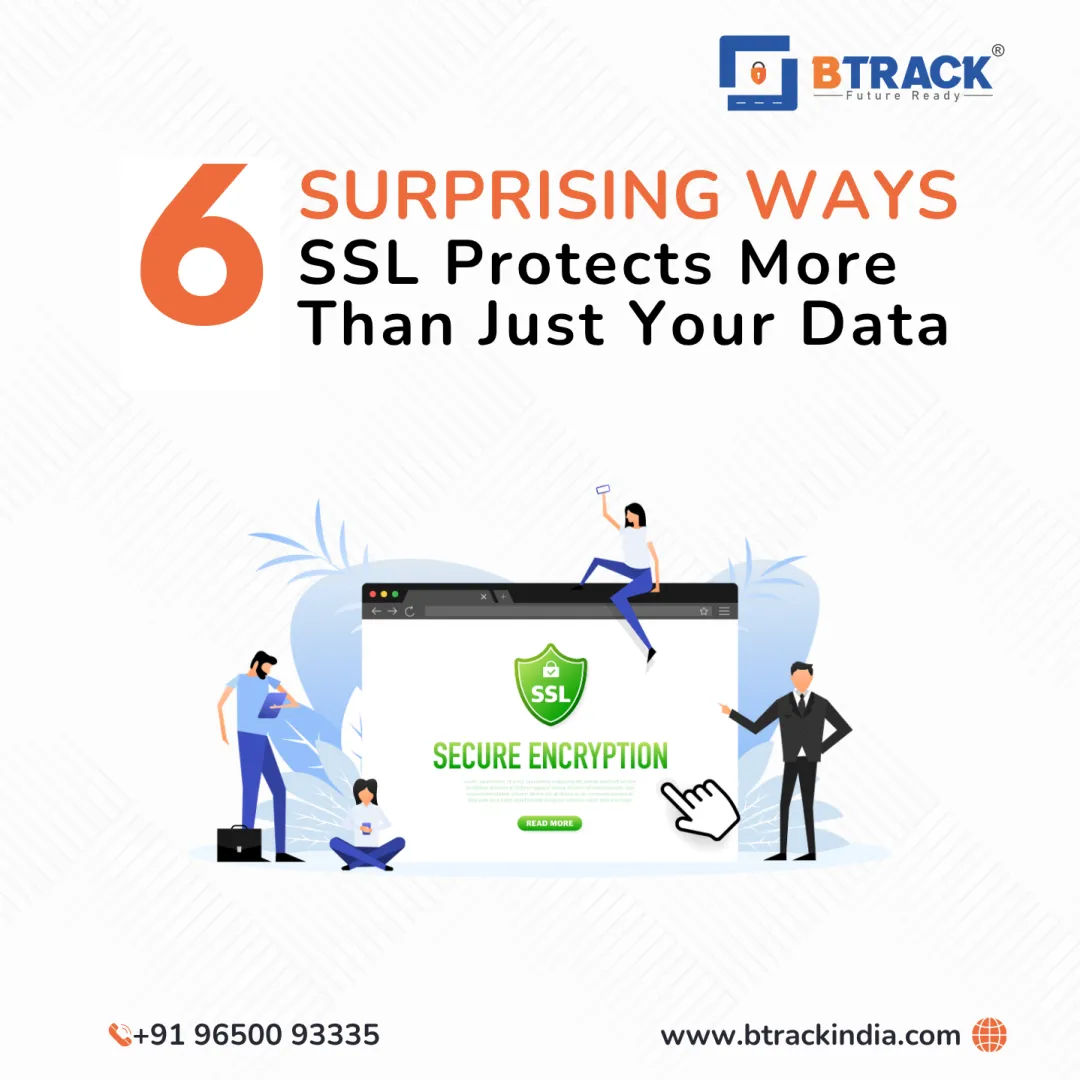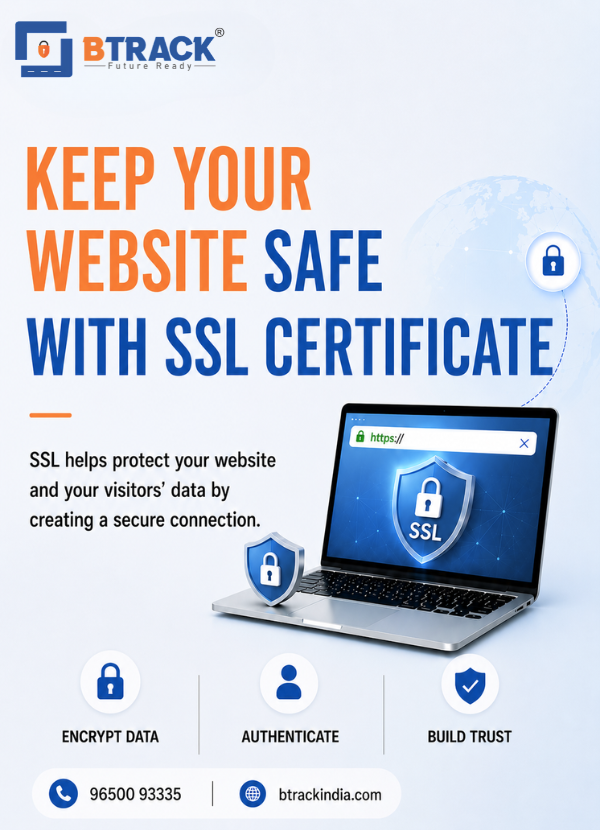

Keep your website secure with trusted SSL Certificates. Encrypt data, enable HTTPS, strengthen customer trust, and improve online credibility.









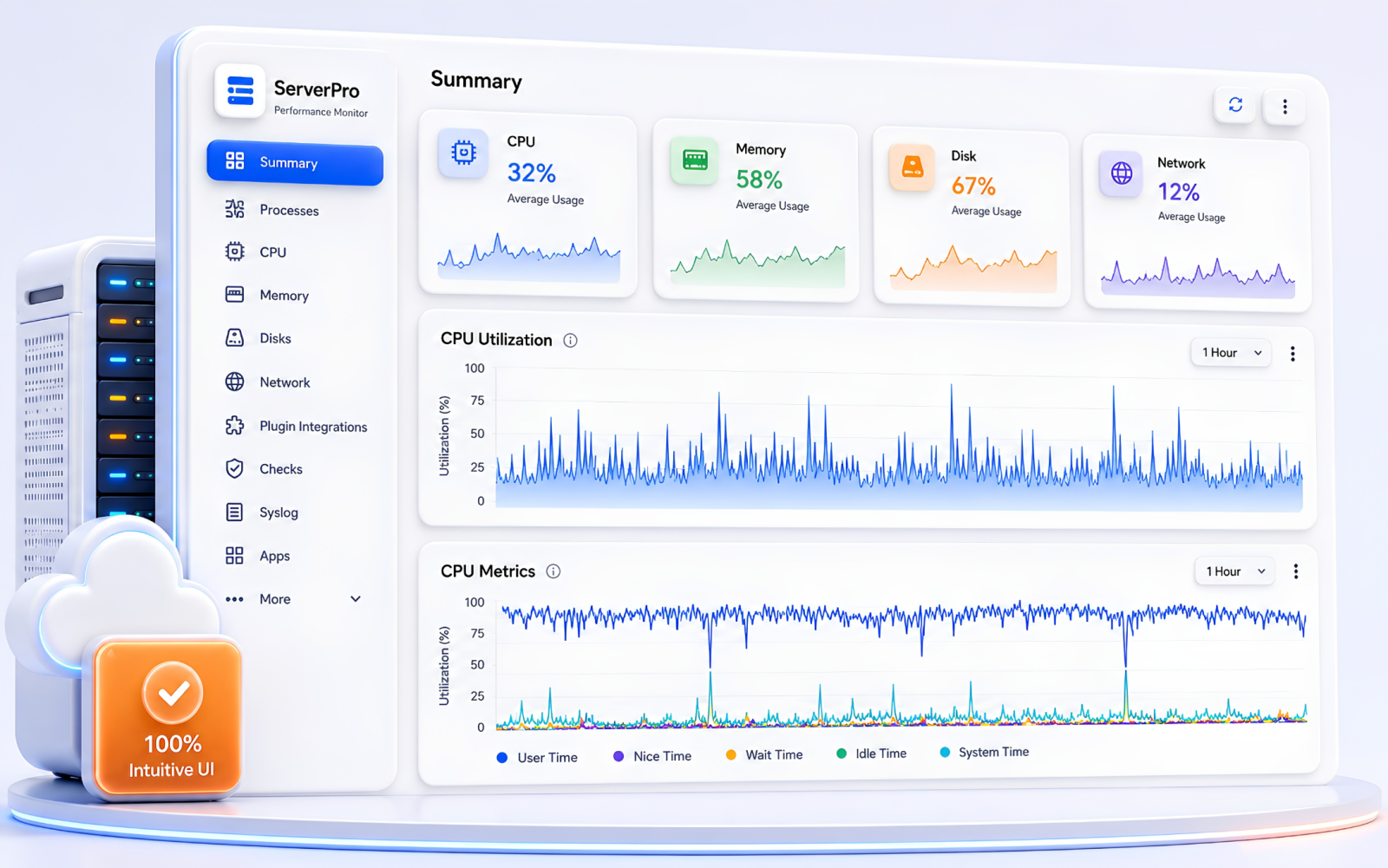
Our splendid dashboard keeps you up to date with what's happening with your server, your process, and the entire system, which always keeps you in control.
Our real-time analysis, desktop, and mobile dashboards help you be on top of things, no matter where you are.
Our splendid dashboard keeps you up to date with what's happening with your server, your process, and the entire system, which always keeps you in control.
Our real-time analysis, desktop, and mobile dashboards help you be on top of things, no matter where you are.
Secure Sockets Layer gives you access to more resources, thereby allowing you to scale the resources as your business grows. It comes with many potential benefits - better reliability, superior security, improved performance and an uptime guarantee, etc














Talk to us to find out how we can help you achieve your IT objectives with the utmost security and peace of mind.
We stay ahead of curve, leveraging cutting-edge technologies and strategies to remain competitive. Explore our frequently asked questions below for quick guidance.
SSL certificates establish an encrypted connection between a website/server and a browser with What???s known as an ???SSL handshake???? For visitors to your website, the process is invisible???and Instantaneous.
If you don't have an SSL certificate, your website may still function as always, but it will be vulnerable to hackers and Google will warn visitors that your website is not secure. Google also gives priority to websites that have an SSL certificate
Yes, most websites that conduct business on the internet require a digital SSL certificate to encrypt and secure private data that is transmitted. SSL certificates protect your business??? and your customers private information. In addition, without a certificate most major browsers will display a ???Not Secure??? message in the address bar. Having an unsecure website could prevent customers from completing purchases or doing business with your company. If you want to signal the highest level of security and brand authenticity to customers, we recommend using an EV or OV certificate.
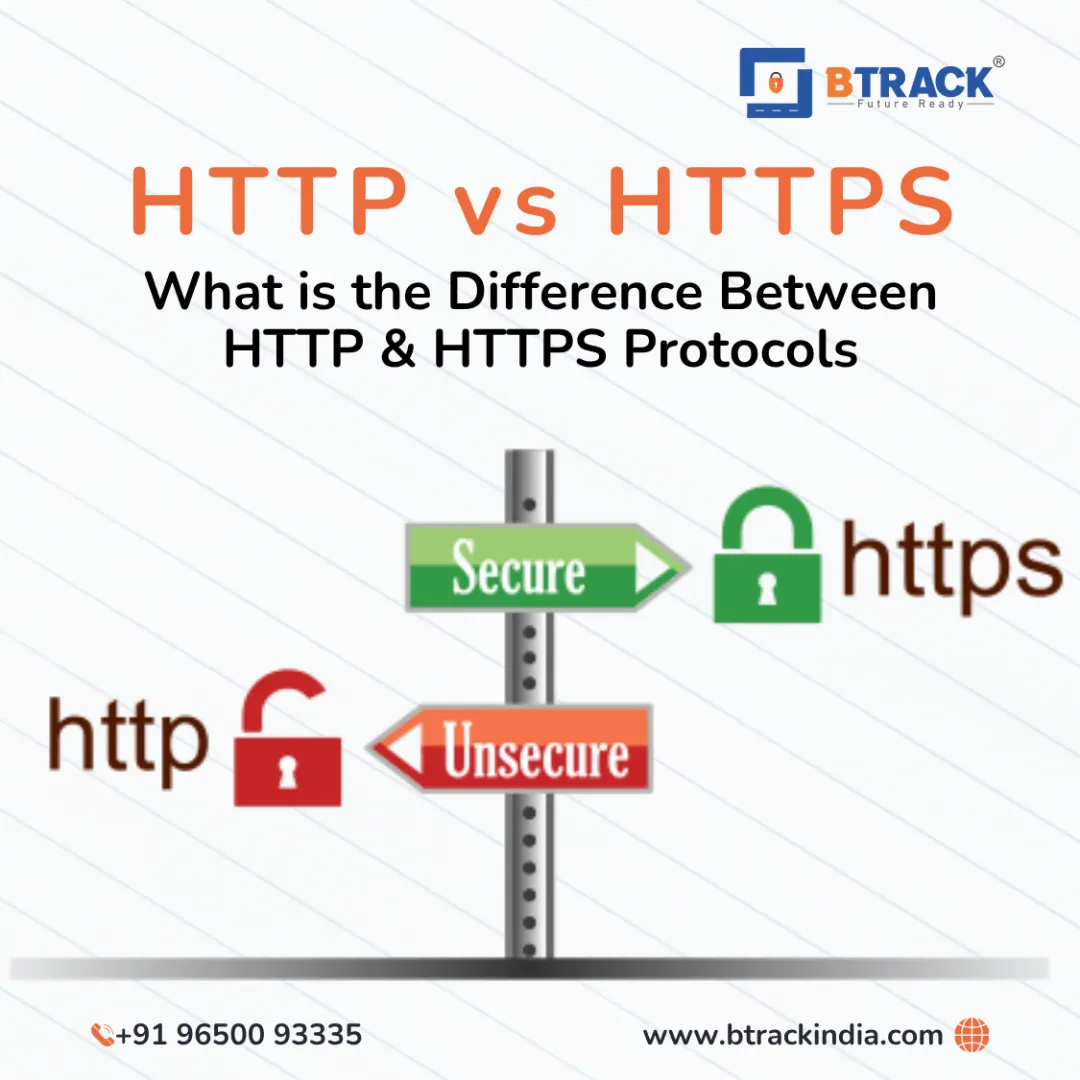
Your website needs any SSL certificate If you're asking for any personal information. But that's not all there is to it. Search engines are cracking down on perceived 'non-secure' websites. Any websites without the SSL certificate will remain http while those with encryption will show https in users' browsers.
Any website without a secure SSL certificate will show a ???Not Secure??? message in the browser address bar. The only way to fix a ???Not Secure??? message on your website is by installing a SSL certificate.
A website needs an SSL certificate in order to keep user data secure, verify ownership of the website, prevent attackers from creating a fake version of the site, and gain user trust. Encryption: SSL encryption is possible because of the public-private key pairing that SSL certificates facilitate. Clients (such as web browsers) get the public key necessary to open a TLS connection from a server's SSL certificate.
Websites need SSL certificates to keep user data secure, verify ownership of the website, prevent attackers from creating a fake. version of the site, and convey trust to users.
SSL certificates are what enable websites to move from HTTP to HTTPS, which is more secure. An SSL certificate is a data file hosted in a website's origin server. SSL certificates make SSL/ encryption possible, and they contain the website's public key and the website's identity, along with related information. Devices attempting to communicate with the origin server will reference this file to obtain the public key and verify the server's identity. The private key is kept secret and secure.
SSL certificates include:
1) The domain name that the certificate was issued for
2) Which person, organization, or device it was issued to
3) Which certificate authority issued it
4) The certificate authority's digital signature
5) Associated subdomains
6) Issue date of the certificate
7) Expiration date of the certificate