
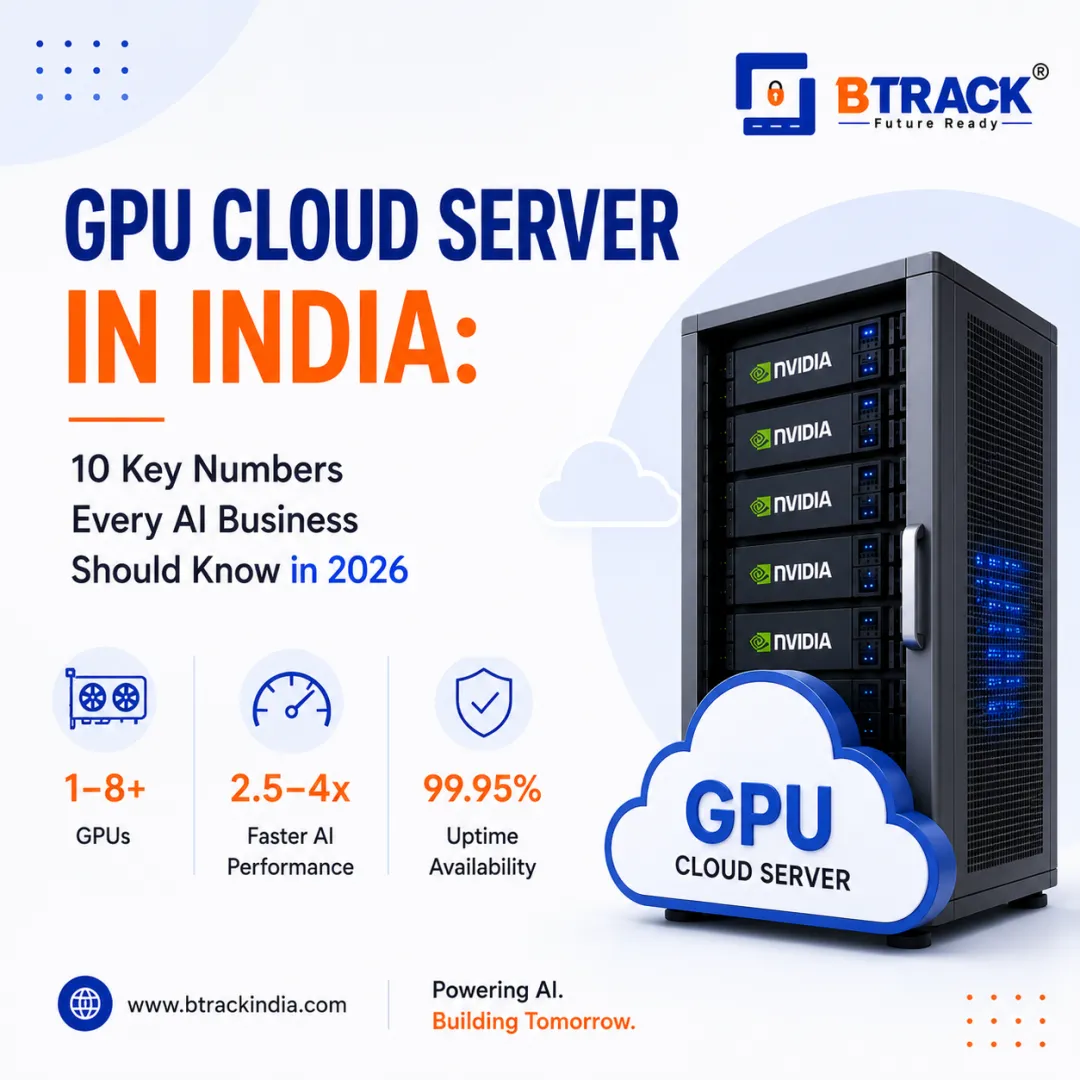
GPU Cloud Server in India: 10 Key Numbers Every AI Business Should Know in 2026
GPU Cloud Server in India: 10 Key Numbers to Know in 2026
AI is moving from experimentation to production, and computing infrastructure has become one of the most important parts of that transition. From Large Language Models (LLMs) and Generative AI to computer vision, video processing and 3D rendering, modern workloads increasingly depend on GPU acceleration.
For businesses in India, a GPU Cloud Server provides access to powerful GPU computing without requiring a large upfront investment in physical GPU infrastructure.
But how do you choose the right GPU server?
The answer starts with numbers.
1. GPU Memory Can Range From 16 GB to 100+ GB
GPU memory (VRAM) is one of the first specifications to evaluate when choosing a GPU Cloud Server for AI workloads.
Smaller development and inference workloads may operate effectively within 16–24 GB of VRAM, while more demanding AI models can require 48 GB, 80 GB or more.
VRAM determines how much model data, intermediate computation and other workload information can be held directly on the GPU.
If a model or workload exceeds available VRAM, performance can suffer or the workload may require techniques such as model quantization, CPU offloading or multiple GPUs.
The actual VRAM requirement depends on factors including:
- Model size
- Precision
- Batch size
- Context length
- Framework
- Inference or training workload
- Dataset and application architecture
Therefore, more VRAM is not automatically better. The right amount depends on the workload.
2. One GPU Can Replace Thousands of Parallel CPU Operations
CPUs are designed for a relatively small number of complex operations at a time, whereas GPUs contain thousands of processing cores optimized for parallel workloads.
This architecture makes GPUs particularly effective for AI model training and Machine Learning, including:
- AI model training
- Deep Learning
- Matrix calculations
- Computer Vision
- Scientific simulations
- Rendering
- AI inference
3. AI Models Can Contain Billions of Parameters
Modern AI and Large Language Models can contain billions of parameters.
For example, a model with 7 billion parameters can require substantial memory and computing resources, particularly during training or fine-tuning.
As model size increases, businesses may need:
- Higher-VRAM GPUs
- Multiple GPUs
- Faster GPU interconnects
- More system RAM
- Faster storage
- High-bandwidth networking
This makes GPU memory and multi-GPU scalability important considerations when deploying AI workloads on a cloud GPU server.
4. 24 GB vs 48 GB vs 80 GB VRAM Can Change the Workload You Can Run
Consider three simplified GPU configurations:
VRAM Requirements
- 16GB–24GB: AI development, smaller models, computer vision, and inference.
- 32GB–48GB: Advanced inference, fine-tuning, rendering, and larger workloads.
- 80GB: Large AI models, demanding training, and high-memory workloads.
These are general guidelines rather than fixed requirements. Actual VRAM requirements depend on model architecture, precision, batch size and framework.
5. Multi-GPU Servers Can Scale Beyond a Single GPU
Some AI workloads cannot efficiently run on one GPU.
A multi-GPU configuration can combine:
2 GPUs → 4 GPUs → 8 GPUs → larger GPU clusters
depending on the workload and infrastructure.
Multi-GPU systems are particularly useful for:
- Large-scale AI training
- LLM workloads
- Distributed inference
- HPC
- Scientific computing
- Large datasets
However, simply adding GPUs does not guarantee linear performance improvement. GPU interconnect, networking, software optimization and workload parallelism all influence scaling.
6. GPU Selection Should Match the Workload
There is no universal "best GPU."
For example:
- NAVIDIA L40S
- NAVIDIA A1OO
- NAVIDIA H400
- NAVIDIA H200
The right choice depends on the model size, VRAM requirement, performance target and budget.
Businesses comparing configurations can also refer to a GPU Server in India Buying Guide before making an infrastructure decision.
For specific workloads, an NVIDIA L40S GPU Server may also be considered when its combination of AI and graphics capabilities matches the application's requirements.
7. AI Inference Is Becoming a Major GPU Workload
Training is only one stage of an AI application.
Once a model is deployed, every user request can generate inference workloads.
For example:
1,000 users × 10 AI requests/day = 10,000 inference requests/day
At larger scale:
100,000 users × 10 requests/day = 1,000,000 requests/day
This makes GPU infrastructure important not only for training but also for production AI applications.
8. Storage Can Become an AI Performance Bottleneck
GPU performance alone does not determine overall application performance.
AI workloads can involve datasets ranging from hundreds of GB to multiple TB.
A typical AI infrastructure stack may therefore include:
- GPU compute
- 64–256+ GB system RAM
- NVMe SSD storage
- High-speed networking
- GPU-to-GPU communication
Fast storage can help reduce the time required to load datasets, models and checkpoints.
9. GPU Cloud Can Reduce Hardware Procurement Complexity
Building an on-premise GPU environment can involve several components:
GPU hardware + server chassis + CPU + RAM + storage + networking + power + cooling + maintenance
A cloud GPU approach moves much of the infrastructure management to the provider.
Instead of purchasing an entire GPU server for a short-term project, a company can provision GPU resources according to its requirements.
This can be especially useful for:
- Startups
- AI development teams
- Researchers
- Software companies
- Short-term projects
- Proof-of-concept deployments
For organizations working on Machine Learning projects that require dedicated computing resources, GPU Dedicated Server infrastructure can also be evaluated based on the workload.
10. The Right Metric Is Performance per Rupee
Choosing a GPU Cloud Server only by hourly price can be misleading.
A better comparison is:
Performance per Rupee = Useful Work Completed ÷ Total Infrastructure Cost
For example, if GPU A costs less but takes twice as long to complete a workload, while GPU B costs more but completes it significantly faster, GPU B may provide better overall value.
Businesses should therefore compare:
- GPU model
- VRAM
- GPU performance
- CPU
- RAM
- Storage
- Network
- Availability
- Scalability
- Cost per workload
Businesses can also track actual infrastructure utilization through relevant GPU Server Monitoring Metrics rather than relying only on theoretical specifications.
GPU Cloud Server for AI in India
India's growing AI ecosystem is creating demand for flexible accelerated computing infrastructure.
Businesses building AI applications may need GPU resources for:
Generative AI
AI-powered text, image, video and multimodal applications.
Large Language Models
LLM inference, fine-tuning and training.
Computer Vision
Image classification, object detection, OCR and video analytics.
Machine Learning
Model development, experimentation and production inference.
3D Rendering
Architectural visualization, animation, VFX and product rendering. For businesses involved in video-intensive workloads, IT Solutions for Video Production can also be relevant when evaluating infrastructure requirements for video processing and production environments.
High-Performance Computing
Scientific research, simulations and data-intensive workloads.
How Much GPU Do You Need?
A simple starting framework is:
- Small AI workload → 16–24 GB VRAM
- Medium AI workload → 24–48 GB VRAM
- Large AI workload → 48–80+ GB VRAM
- Enterprise-scale AI → Multiple GPUs
But the final configuration should always be determined by the actual model and application requirements.
Why Choose Btrack India for GPU Cloud Servers?
Btrack India provides cloud infrastructure for businesses requiring scalable computing resources.
For AI developers and enterprises, a GPU Cloud Server can provide the computing foundation required for AI development, inference, Machine Learning, rendering and other accelerated workloads.
Instead of selecting infrastructure based only on GPU specifications, businesses should evaluate the complete environment—including compute, memory, storage, networking, scalability and workload performance.
Businesses looking for a GPU Server in India can evaluate their requirements according to the workload they intend to run.
GPU Cloud Server Checklist
Before deploying a GPU Cloud Server, check these 10 numbers/specifications:
- GPU model
- GPU count
- VRAM per GPU
- GPU memory bandwidth
- CPU cores
- System RAM
- NVMe storage
- Network bandwidth
- Expected workload throughput
- Cost per workload
This approach helps businesses choose infrastructure based on actual requirements rather than simply selecting the most expensive GPU.
Frequently Asked Questions
What is a GPU Cloud Server?
A GPU Cloud Server is a cloud computing server equipped with one or more GPUs for AI, Machine Learning, rendering, HPC and other parallel workloads.
How much VRAM is required for AI?
Smaller workloads may operate with 16–24 GB, while advanced AI and LLM workloads can require 48 GB, 80 GB or more. Requirements depend on the model and workload.
Is H100 better than L40S?
They target different workloads. H100 is designed for demanding AI and accelerated computing workloads, while L40S provides a versatile combination of AI and graphics capabilities. The better choice depends on the application.
Can I run an LLM on a GPU Cloud Server?
Yes. GPU Cloud Servers can be used for LLM inference, fine-tuning and training, depending on model size, GPU memory and infrastructure configuration.
How many GPUs do I need?
A smaller AI workload may require one GPU, while larger models and distributed workloads can require multiple GPUs. The exact number depends on the workload.
Is GPU Cloud Server better than buying GPU hardware?
For variable, short-term or rapidly changing workloads, cloud GPU infrastructure can provide greater flexibility. For predictable long-term utilization, purchasing hardware can sometimes be economically attractive.
Conclusion
The future of AI infrastructure is increasingly numerical.
VRAM, GPU count, memory bandwidth, inference throughput, storage capacity, network performance and cost per workload all influence the real-world performance of a GPU Cloud Server.
For Indian businesses building AI, Machine Learning, Generative AI, LLM, rendering or HPC applications, choosing the right GPU infrastructure can be more important than simply choosing the most powerful GPU.
With scalable GPU infrastructure from Btrack India, businesses can build and run demanding workloads while selecting resources according to their technical and business requirements.
When evaluating a GPU Cloud Server, don't ask only "Which GPU is fastest?" Ask: "Which GPU delivers the best performance for my workload per rupee?"