
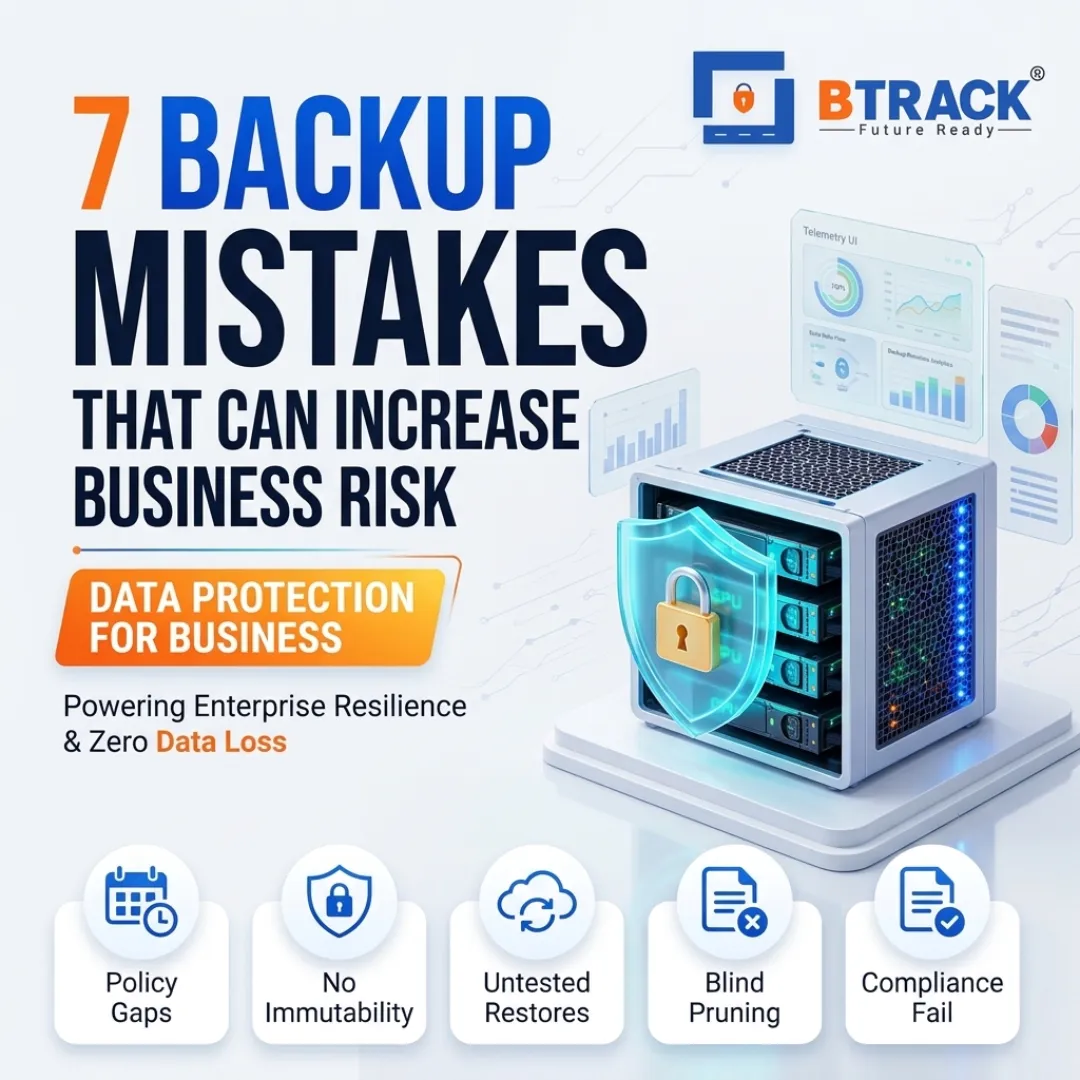
7 Backup Retention Mistakes That Can Increase Business Risk
A well-designed backup retention policy is essential for protecting business data, maintaining service availability and recovering from unexpected incidents. Businesses generate and modify data continuously, from customer records and financial documents to application databases, website files, virtual machines and cloud workloads. However, storing backups alone does not guarantee that this data can be recovered when it matters most.
Many organisations create backups without defining how long each copy should be retained, how frequently recovery points should be created or how backup data should be protected from ransomware and accidental deletion. As a result, businesses may discover that their backups are incomplete, outdated, inaccessible or no longer available when a critical incident occurs.
For businesses running websites, applications, virtual servers and AI workloads, backup retention must be part of a broader data protection strategy. Btrack India provides infrastructure services, including backup storage solutions, that businesses can evaluate when planning their data protection requirements.
This article explains seven common backup retention mistakes, why they increase business risk and how organisations can build a more reliable backup strategy.
1. Keeping Backups Without Defining a Clear Retention Period
One of the most common mistakes is creating backups without establishing how long each backup copy should remain available. Some businesses retain every backup indefinitely, while others delete older copies too quickly to save storage costs.
Both approaches can create problems.
Keeping all backups indefinitely can increase storage consumption, management complexity and costs. On the other hand, retaining backups for only a short period can prevent a business from recovering data after discovering a problem several weeks later.
For example, imagine that a database becomes corrupted on Monday, but the corruption is discovered two weeks later. If the organisation retains only the most recent seven days of backups, every available recovery point may already contain the corrupted data.
A practical backup retention policy should define retention periods according to the importance and recovery requirements of each dataset.
Businesses should establish:
Daily retention: How many daily recovery points must remain available.
Weekly retention: How long weekly backups should be preserved.
Monthly retention: Whether monthly recovery points are required for historical recovery or reporting.
Long-term retention: Whether certain records must be retained for contractual, operational or legal reasons.
Deletion rules: When backup copies can be safely removed and who can authorise deletion.
These periods should not be identical for every workload. A frequently updated transaction database may need a different retention schedule from an archived project folder.
Btrack India customers evaluating VPS hosting solutions should consider backup retention alongside server capacity, workload criticality and recovery requirements. Hosting infrastructure and backup retention solve different problems; a suitable plan should account for both.
2. Relying on a Single Backup Copy
A second major mistake is assuming that one backup copy provides sufficient protection. A single backup may be lost, corrupted, accidentally deleted or affected by the same security incident that damages the original data.
For example, a business may store its production files and backups on the same server. If that server suffers hardware failure or becomes compromised by ransomware, both the original files and the backup copy may become unavailable.
A stronger strategy uses multiple copies of important data across appropriately separated storage locations.
The widely used 3-2-1 backup principle recommends maintaining:
Three copies of important data, including the production copy.
Two different types of storage media or storage arrangements.
One copy stored off-site.
The exact architecture should reflect business requirements, but the underlying objective is to reduce the chance that a single incident destroys every available copy.
Businesses should also distinguish between backup storage and redundancy. RAID, server replication and high availability can help maintain service availability after certain failures, but they do not replace historical backups. Replication may also copy accidental deletions, corrupted files or malicious changes to another system.
For organisations operating applications or websites on dedicated server infrastructure, backup copies should be designed to remain recoverable even if the production server becomes unavailable.
The key principle is straightforward: a backup strategy should protect data from failures that affect the original environment, rather than simply creating another copy in the same failure domain.
3. Deleting Older Backups Too Early
Reducing storage consumption is a reasonable operational goal. However, deleting older backups without understanding the business recovery requirements can introduce significant risk.
Not every data loss incident is detected immediately. A user may overwrite a file, an application may gradually corrupt records, or malware may remain undetected before its effects become visible. In these situations, the latest backup may not be the safest recovery point.
Consider a business that retains only five days of backups. An employee accidentally deletes an important project folder, but the deletion is discovered after eight days. If no older recovery point exists, the business may be unable to restore the missing information.
The solution is not necessarily to retain every backup forever. Instead, retention periods should reflect the time it may take to discover an incident and the age of the data required for recovery.
Before deleting older backup copies, businesses should assess:
- How long data corruption or accidental deletion might remain undetected.
- Whether historical versions are required for operational recovery.
- Which records require longer retention under applicable rules or contracts.
- Whether an existing backup is the only remaining copy of important information.
- Whether deletion is authorised, documented and consistent with the retention schedule.
A properly managed backup retention policy should also distinguish routine backup rotation from legal holds or other preservation requirements.
For workloads hosted on GPU server infrastructure, organisations should identify which data must be retained separately from temporary processing files. AI model checkpoints, training datasets, configuration files and experiment records may have different recovery and preservation requirements. The retention period should reflect the effort required to recreate them and their importance to ongoing work.
4. Ignoring Ransomware and Backup Security
Traditional backup schedules do not provide sufficient protection if attackers can access, encrypt or delete the backup copies.
Modern ransomware incidents can target production systems and connected backup infrastructure. If backup credentials are stored on the same compromised server or administrative accounts have excessive permissions, an attacker may be able to damage both the original data and its backups.
Businesses should therefore treat backup security as a separate control within their retention strategy.
Important measures include:
Immutable backups: Use storage features that prevent alteration or deletion for a defined period, where supported.
Offline or isolated copies: Maintain backup copies that are not continuously accessible from production systems.
Access restrictions: Give backup administrators only the permissions required for their responsibilities.
Multi-factor authentication: Protect administrative access wherever supported.
Separate credentials: Avoid reusing production administrator credentials for backup systems.
Monitoring and alerts: Track unexpected deletions, retention changes and unusual backup access.
Recovery testing: Confirm that protected copies can actually be restored.
Immutability and isolation are not identical. Immutable storage can prevent certain changes during a protected period, while an isolated copy reduces direct access from compromised systems. Using both approaches can provide stronger protection when configured correctly.
The US Cybersecurity and Infrastructure Security Agency provides additional guidance on defending against ransomware through its StopRansomware resources.
Businesses should also review who can change retention settings. If the same compromised account can modify the retention policy and delete the backup copies, the protection may be weaker than expected.
A robust backup retention policy must therefore define not only how long data is stored but also how that data remains protected throughout its retention period.
5. Failing to Test Backup Restoration
A backup job marked as successful does not automatically prove that the data can be restored correctly. Files may be incomplete, databases may require transaction logs, encryption keys may be missing, or the restoration process may depend on unavailable software and credentials.
These problems often become visible only during an actual incident, when recovery time is already critical.
Businesses should test restoration regularly rather than relying exclusively on backup reports.
A useful testing programme should include:
File restoration: Restore selected files and confirm that their contents are readable.
Database recovery: Check that databases can be restored to a consistent state.
Application recovery: Verify that the application starts and performs its expected functions after restoration.
Server recovery: Test the recovery of critical configurations, operating systems and application dependencies.
Access validation: Confirm that authorised users can access the recovered systems.
Recovery timing: Measure how long the process takes and compare it with business requirements.
Testing should cover representative workloads and include older recovery points where appropriate. A recent backup may restore successfully while an older archive may have compatibility problems or missing dependencies.
Businesses should also document recovery procedures. During a major incident, technical teams need to know where backups are stored, who can authorise recovery and which systems must be restored first.
For infrastructure running on Btrack India's VPS platform, organisations should confirm the actual backup and restoration responsibilities covered by their chosen arrangement. They should not assume that every hosting configuration automatically includes application-consistent backups, a particular retention period or a guaranteed recovery time.
The objective is to demonstrate that backup data can be restored within an acceptable period, not merely to demonstrate that backup files exist.
6. Overlooking Compliance, Privacy and Data Lifecycle Requirements
Backup retention is also a governance issue. Businesses may need to preserve particular records for defined periods, respond to contractual requirements or protect sensitive information from unauthorised access.
At the same time, retaining personal or confidential information longer than necessary can create additional privacy, security and storage-management risks.
There is no universal retention period that applies to every dataset. Requirements depend on the type of information, applicable laws, contractual commitments, industry rules and the purpose for which the data is retained.
A practical retention framework should identify:
- The type and sensitivity of each dataset.
- The business purpose for retaining the information.
- Applicable legal or contractual retention obligations.
- Who is responsible for approving retention periods.
- How expired backup copies are deleted or securely disposed of.
- Whether deletion from production systems also affects backup copies.
- How legal holds or investigations change normal deletion schedules.
Businesses should also understand that deleting a record from a live application does not necessarily remove it immediately from every backup. Backup systems may retain historical copies until the applicable retention period expires.
Where privacy or deletion obligations apply, organisations should document how these obligations interact with backup rotation, immutable storage and recovery requirements. Specialist legal or compliance advice may be necessary for regulated workloads.
The National Institute of Standards and Technology provides a useful security reference through its Cybersecurity Framework. Businesses can use established risk-management principles to support their own data protection governance, while checking the specific laws and standards applicable to their operations.
For companies using Btrack India's software licensing services, software licensing and backup retention should be managed as separate considerations. A valid software licence does not itself establish a compliant retention policy, and restoration plans should account for the software rights and activation requirements needed to bring systems back online.
7. Failing to Align Retention with Business Recovery Objectives
The final mistake is treating backup retention as a storage decision rather than a business continuity requirement.
Different workloads have different recovery needs. A customer-facing application may need rapid restoration, while an internal archive may tolerate a longer recovery period. Similarly, a backup taken once each day may be sufficient for some documents but unacceptable for a database that changes continuously.
Two important measures help businesses define these requirements.
Recovery Point Objective (RPO)
RPO defines the maximum amount of data loss, measured in time, that the business is prepared to accept after an incident.
For example, an RPO of four hours means the organisation aims to recover data to a point no more than four hours before the incident. Achieving that objective may require backups more frequent than once every four hours, transaction-log protection or replication, depending on the architecture.
Recovery Time Objective (RTO)
RTO defines the target time within which a system or business process should be restored after disruption.
For example, an RTO of two hours means the organisation aims to restore the affected service within two hours. Achieving this target depends on more than the backup copy itself. Storage performance, network capacity, system configuration, staff availability and restoration procedures all influence recovery time.
Retention duration, RPO and RTO are related but different. Keeping a backup for six months does not mean the organisation can recover six months of changes without gaps, and frequent backups do not automatically guarantee rapid restoration.
Businesses should classify workloads according to their operational importance and define appropriate recovery objectives for each category.
For example:
| Workload | Key retention consideration | Recovery priority |
|---|---|---|
| Customer-facing applications | Frequent recovery points and historical versions | High |
| Transaction databases | Consistent recovery and limited data loss | High |
| Business documents | Version history and accidental-deletion recovery | Based on business impact |
| AI training datasets and checkpoints | Reproducibility and the cost of rebuilding data | Based on project criticality |
| Long-term archives | Preservation period, integrity and access controls | Based on business and legal needs |
Businesses using Btrack India's GPU server options should consider whether model checkpoints, datasets, configuration files and training outputs can be recreated easily. If rebuilding a workload requires significant computing time or expensive data preparation, retaining selected recovery points may reduce operational disruption.
For example, a team training a machine-learning model may choose to retain milestone checkpoints rather than every temporary output. This approach can control storage costs while preserving the most valuable recovery points.
The final retention schedule should be approved by the business, IT and security stakeholders, then reviewed whenever workloads, regulations or recovery requirements change.
How Btrack India Fits into a Reliable Backup Strategy
A reliable backup strategy combines suitable storage, documented retention rules, secure access and tested recovery procedures. Infrastructure selection is one part of that process, but businesses must also define their own responsibilities and recovery requirements.
Btrack India's backup storage service is a relevant starting point for businesses evaluating backup storage requirements. Before choosing any service or configuration, organisations should confirm the available storage capacity, supported backup methods, access controls, retention options, restoration process and applicable service terms.
A complete evaluation should answer these questions:
- How much data needs to be protected today, and how quickly is it growing?
- Which systems and files are essential to business operations?
- How frequently must recovery points be created?
- How long must daily, weekly and monthly backups be retained?
- Are immutable or isolated copies required?
- How will backup restoration be tested?
- Who is responsible for backup configuration, monitoring and recovery?
- What storage, retrieval and support costs apply?
The answers help businesses choose a configuration that reflects their actual risk profile instead of relying on assumptions.
Btrack India also provides infrastructure options such as dedicated servers and GPU servers for different computing requirements. Businesses using these services should verify the backup capabilities and responsibilities associated with their particular configuration rather than assuming that the infrastructure service automatically covers every backup and retention requirement.
A well-documented strategy should clearly distinguish between production hosting, backup storage, disaster recovery and long-term archival storage. Each serves a different purpose, and combining them without clear responsibilities can leave important gaps.
Conclusion
A poorly planned backup retention policy can increase business risk even when backup jobs run regularly. Retaining data for too short a period, relying on a single copy, overlooking ransomware protection, skipping restoration tests and ignoring recovery objectives can leave organisations unprepared for data loss.
Businesses should establish clear retention schedules, maintain appropriately separated backup copies, protect administrative access and test recovery procedures. They should also align backup frequency and retention duration with the actual recovery needs of each workload.
For organisations evaluating infrastructure and storage options, Btrack India provides a starting point for assessing backup storage alongside server and computing requirements. The most effective strategy combines suitable infrastructure with documented processes, secure configuration and regular validation.
Reliable backups are not defined only by how much data is stored. They are defined by whether the right data remains protected and can be recovered when the business needs it.